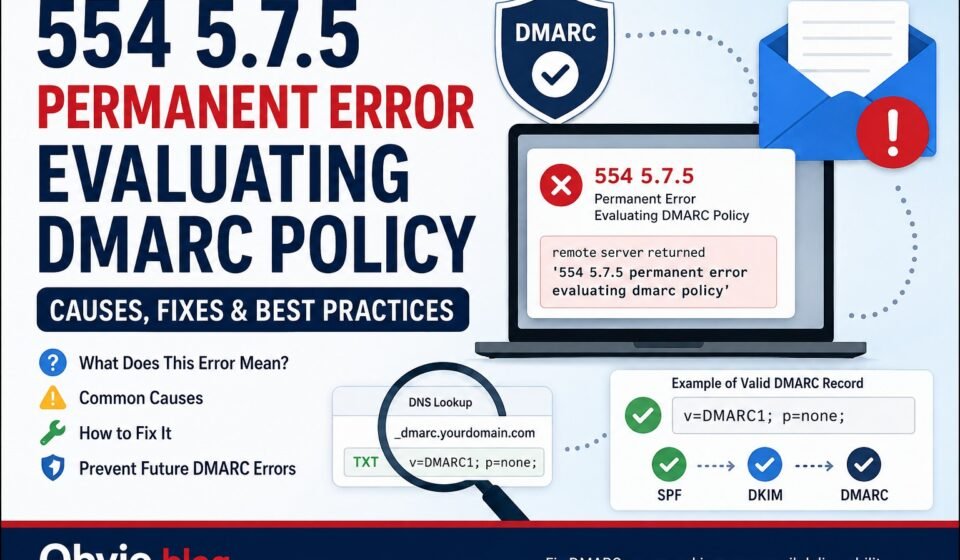

Email Authentication may not always be straightforward, particularly in cases where a sudden failure occurs, throwing up an error code like ‘554 5.7.5 permanent error evaluating dmarc policy error.’ This essentially indicates that the mail server hosting the recipient’s email address is unable to understand your domain’s DMARC policy.
On the bright side, this problem may be attributed to something as simple as a mistake in setting up the basic DNS configuration, such as DMARC policy formatting errors or duplicates. This guide is intended to give more information on the error, its origin, and solution.
What Does 554 5.7.5 Permanent Error Evaluating DMARC Policy Mean?
DMARC stands for Domain-based Message Authentication, Reporting, and Conformance. DMARC is a protocol that works in conjunction with SPF and DKIM to help validate messages as sent from your domain.
The error message that you received from Gmail or any other mail server indicates that the effort to validate your DMARC policy was not successful.
You may see an error similar to:
remote server returned ‘554 5.7.5 permanent error evaluating dmarc policy’
Put simply, the issue is that the receiving server encountered an error with regard to the DMARC details posted by the sending domain.
Common Causes of the 554 5.7.5 Error
Various issues with DNS and email configurations may result in such errors.
1. Multiple DMARC TXT Records
The DMARC TXT entry must exist once per domain at:
_dmarc.yourdomain.com
When there are two or more DMARC records published, the recipient server might be confused about which record it should follow.
For instance, consider the following scenario where confusion arises:
_dmarc.example.com TXT "v=DMARC1; p=none"
_dmarc.example.com TXT "v=DMARC1; p=quarantine"
Instead, combine the required settings into one valid DMARC record.
2. A Malformed DMARC Record
Your DMARC record must follow the correct syntax. A basic example is:
v=DMARC1; p=none;
Here:
- v=DMARC1 specifies the DMARC version.
- p=none instructs the receiving servers to monitor the message without enforcing any rules.
The lack of v=DMARC1 or incorrect syntax might lead to the failure of policy evaluation.
3. Missing or Incorrect p= Tag
The p= tag is significant in that it specifies how receiving mail servers should handle failure of the authentication process.
Common policies include:
p=none— monitor failures.p=quarantine— treat failing messages as suspicious.p=reject— reject messages that fail DMARC.
In troubleshooting, the first thing that most domain owners try is p=none.
4. Incorrect Domain in the d= Tag
DKIM makes use of the “d=” tag to indicate which domain signed the email. In case there is no alignment between the domain in the DKIM signature and the visible “From” domain, DMARC will fail.
Make sure that the domain used by your email provider is the correct one and that the DKIM record is published properly in DNS.
How to Fix 554 5.7.5 Permanent Error Evaluating DMARC Policy
If you are wondering how to fix 554 5.7.5 permanent error evaluating dmarc policy, follow these steps.
Step 1: Check Your DMARC Record
Open a DNS lookup tool and search for your domain’s DMARC record.
The hostname should be:
_dmarc.yourdomain.com
Check whether a DMARC TXT record exists and whether it contains valid syntax.
Step 2: Remove Duplicate DMARC Records
Ensure that your DNS host has only one DMARC TXT record for the domain.
In case there are several DMARC TXT records, examine them and consolidate all the necessary configurations into one DMARC TXT record.
Step 3: Use a Simple Valid Policy
For basic testing, you can use:
v=DMARC1; p=none;
Once you have verified that your authentic email providers are properly authenticated, you can then proceed to:
v=DMARC1; p=quarantine;
or eventually:
v=DMARC1; p=reject;
Do not proceed directly to rejection until you know what services send email for your domain.
Step 4: Check SPF and DKIM
DMARC relies on either SPF or DKIM verification. Circle all services that use your domain to send emails:
- Microsoft 365
- Google Workspace
- Email marketing platforms
- CRM systems
- Website forms
- Transactional email services
Ensure each legitimate source is configured correctly.
Step 5: Check DNS Propagation
It will take time for the DNS updates to propagate after you have changed your DMARC record.
Make sure not to make any more changes before the process is complete. Keep checking your published record at regular intervals to ensure its validity.
What About 554 5.7 5 Permanent Error Evaluating DMARC Policy Office 365?
The 554 5.7 5 error in DMARC policy evaluation for Office 365 occurs when Microsoft 365 plays a role in the sending or receiving of messages.
The best first step to take is to check the DMARC record in the domain’s DNS entries.
Make sure:
- The domain has one DMARC TXT record.
- The record begins with
v=DMARC1. - It contains a valid
p=policy. - SPF is correctly configured for Microsoft 365.
- DKIM is enabled and correctly configured.
- Other third-party email services are included where necessary.
Where Microsoft 365 is merely the source of the emails, the primary DMARC policy is still published via your domain’s DNS provider.
Can Email Forwarding Cause This Error?
True. Email forwarding can complicate DMARC validation process.
When emails get forwarded, the email may need to go through another server before reaching its intended recipient. This becomes a problem for SPF validation, as the forwarding server may not be part of the original SPF validation list.
Even if the message isn’t altered, DKIM can still pass in some cases. But alterations done while forwarding the message may lead to the failure of DKIM.
In case you see the error occurring mainly in forwarded messages, then it could be the forwarding service that’s the problem.
How to Prevent Future DMARC Errors
Once the problem is fixed, use these practices to avoid similar issues:
- One DMARC record must be maintained per domain.
- Ensure proper DMARC syntax is used.
- Monitor DMARC reports.
- Maintain updated SPF records.
- Implement DKIM for legitimate sending services.
- Evaluate new email providers prior to sending emails from your domain.
- Do not make multiple DNS changes simultaneously.
- Perform authentication testing following email configuration changes.
FAQs
What is the main cause of this error?
The main reasons may include malformed DMARC record, duplicate DMARC records, or invalid policy setup.
Is 554 5.7.5 a Gmail error?
This error may be returned when Gmail fails to properly process the DMARC policy of the sending domain. The reason for that may lie in DNS or email authentication configuration of the sender.
Can I use p=none to fix the problem?
p=none is good for testing and observation, but it will not automatically correct a malformed or duplicate DMARC record; the record needs to be in the right format.
How many DMARC records should a domain have?
A domain should have one DMARC record policy at _dmarc.yourdomain.com.
What does the 554 5.7 5 permanent error evaluating dmarc policy mean?
This implies that the receiving mail server was not able to verify the DMARC record for the sender’s domain. It is a good start to check the DMARC record.
Conclusion
Error 554 5.7.5 Permanent error evaluating dmarc policy indicates an issue in DMARC policy configuration on your domain. A duplicate or improperly configured _dmarc TXT record could be the very first thing to investigate.
First, make sure that your domain contains only one DMARC record with a valid p= tag along with v=DMARC1 attribute. Then, you may want to look into SPF, DKIM, email forwarding, and any other third-party services for sending emails from your domain.
If everything is set up properly, then solving the problem will become significantly easier.